
How to use Perplexity's new Deep Research Tool
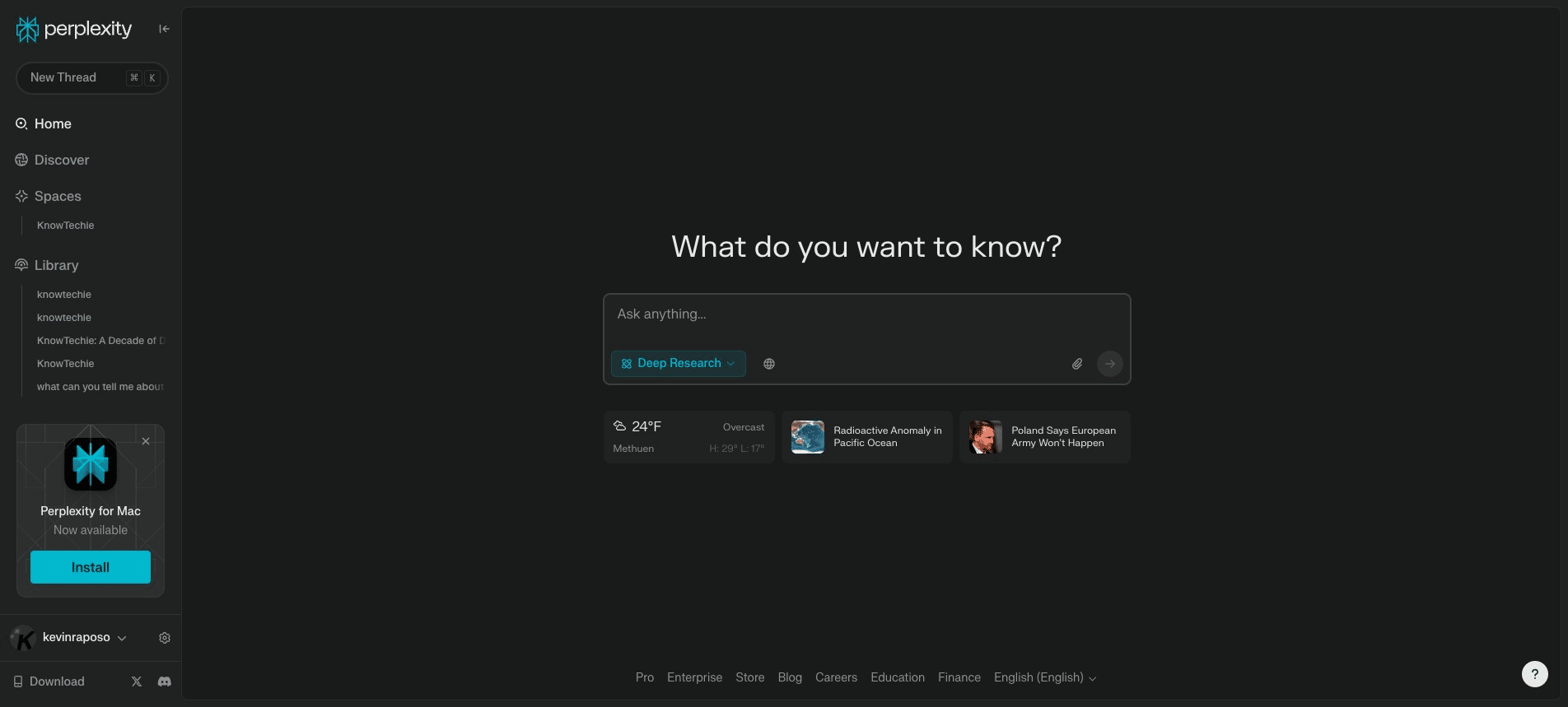
This guide teaches you how to leverage Perplexity's 'Deep Research' feature to conduct in-depth investigations. Learn to generate comprehensive reports, explore hidden sources, and uncover new knowledge. You'll also discover how to engage with 'Deep Research' in a conversational manner, expanding your research experience.
 0
0Frequently Asked Questions
- What is 'Deep Research' and how does it work?
'Deep Research' is a feature in Perplexity that allows you to go beyond basic search results. It analyzes your query and provides a comprehensive, in-depth report with various sources and perspectives. Think of it like a research assistant that gathers information from the web and presents it in a structured format.
- Can I use 'Deep Research' for any type of query?
While 'Deep Research' is great for complex and nuanced topics, it works best for questions that require a deeper understanding and a broader range of information. Simple or factual queries might not yield the most comprehensive results.
- What if I need to share my 'Deep Research' report with others?
You can easily export the report as a PDF to share it with colleagues, friends, or anyone you like. You can also share it as a Perplexity Page, allowing others to view and interact with the research directly within the Perplexity platform.
- What is the 'BONUS POINTS: CREATE A SPACE' feature about?
This unique feature allows you to have a conversation with 'Deep Research'. You can ask follow-up questions, refine your queries, and explore different facets of the topic in an interactive way. It's a great way to discover new connections and uncover hidden facts that you might not have found otherwise.